26 October 2026 · 5 min read · Teaching & Coaching
AI for Driving Instructors: Your New Lesson Assistant (Not Your Replacement)
Ask a room of driving instructors who uses AI and you get a real mix. Some use ChatGPT, Copilot or Claude daily; some have never touched it.
Wherever you sit on that scale, here's the thing we want you to take away: AI doesn't replace what you do. It makes you better at what you already do. It's a source of ideas, a fast first draft and a sounding board, and you are still the instructor making the calls.
In this post we'll cover how to talk to AI so you get useful answers back, the practical ways we use it to support pupils between and during lessons, and how it can help you spot patterns in your own teaching that you'd otherwise miss.
Talk to It Like an Assistant, Not a Search Engine
The biggest mistake people make is typing into AI the way they'd type into Google. "Write me a lesson plan" gets you something bland and generic. Instead, imagine an apprentice or assistant has just walked into the room and you're handing them a task. You'd tell them who it's for, what's going on, what you want back and how you want it presented.
So rather than a one-liner, try something like this: "Help me plan a 60-minute lesson for a UK learner called Sam. He handles quiet roads well but feels rushed on roundabouts. Give me some questions I can ask, some tips and facts to include, and a couple of games we could play. Present it as a one-page cheat sheet I can glance at during the lesson."
That prompt has context, a specific task and a clear format, and the result is far more useful. Two habits make this easier:
- Use speech-to-text. Dictate your prompt rather than typing it. When you talk, you naturally give more detail; when you type, you cut corners and lose the context that makes the answer good.
- Refine, don't give up. The first answer is a first draft. Tell it what you didn't like, what to change, how to format it next time. Over a few weeks you can shape it into exactly the cheat sheet you want for every lesson.
And skip the niceties. With AI you can just say "I don't like that, give me five more" and keep going until something clicks.
When You're Stuck With a Pupil, Ask for Ten Ideas
We all hit that point where we've explained something two different ways and the pupil still isn't getting it. That's a great moment to use AI as a brainstorming partner.
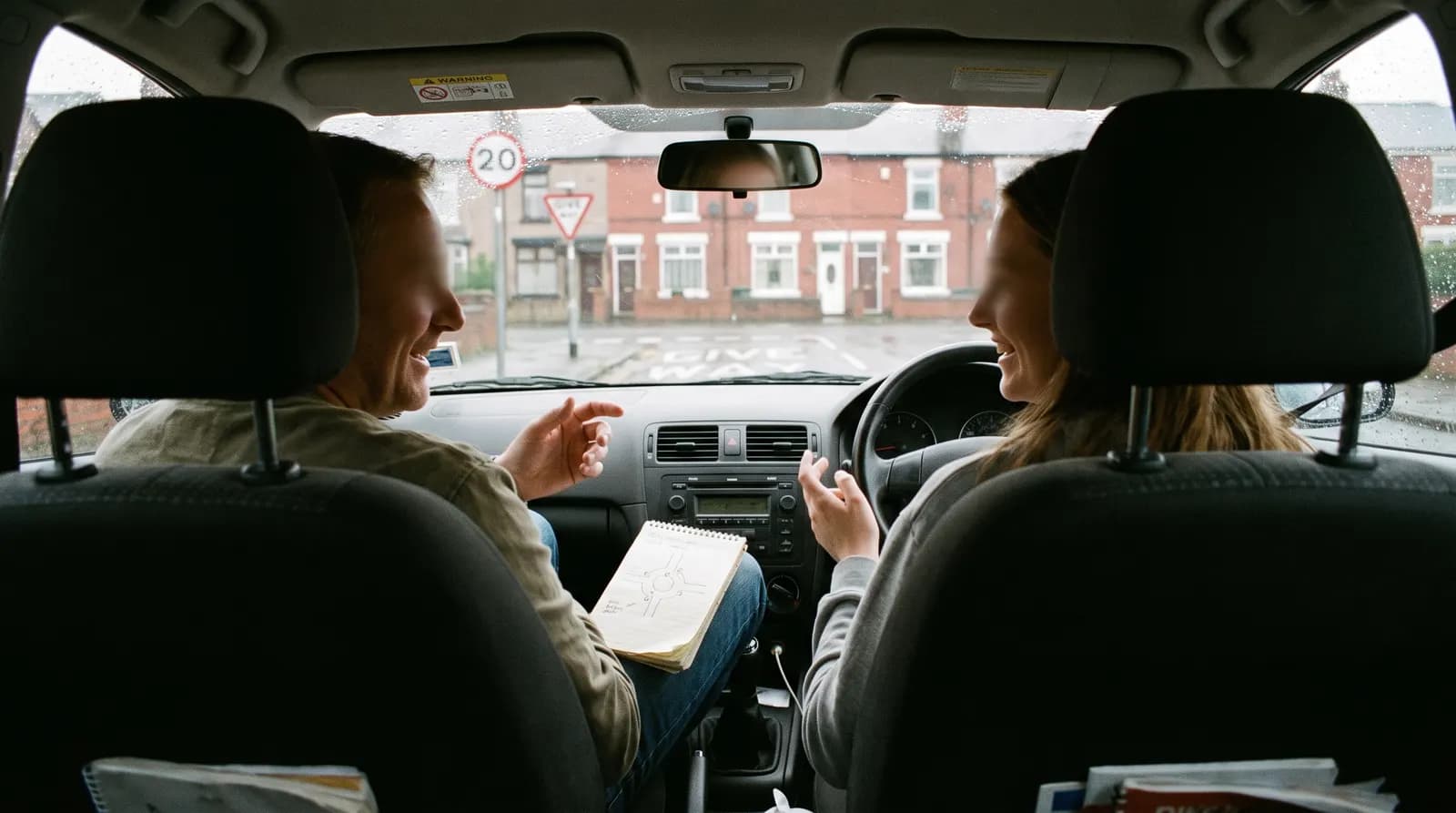
In our session, one of our members had a pupil struggling with forward bay parking. They'd spent an hour in a car park trying different reference points, and the reference point seemed to move for her every time. We asked AI for ten ideas, including out-of-the-box ones and games. Back came suggestions like building an extra-wide practice bay, a "pause, picture, proceed" approach, letting the pupil coach the instructor, and a personal best challenge.

Why ask for ten? Because some will be rubbish, and that's fine. Sometimes the rubbish idea is the one that sparks something in you, and you take it and make it your own. Pick the one you like, then ask it to expand on how you'd actually deliver it on a lesson.
AI landed close to what we'd do anyway: drop the reference points and set a challenge of as many goes as possible in half an hour, rather than chasing one perfect park. A hundred tennis forehands beat one perfect one. AI gave us options; experience chose between them.
Practical Ways to Use It With Your Pupils
Here are the uses we find most helpful, roughly from easiest to most involved:
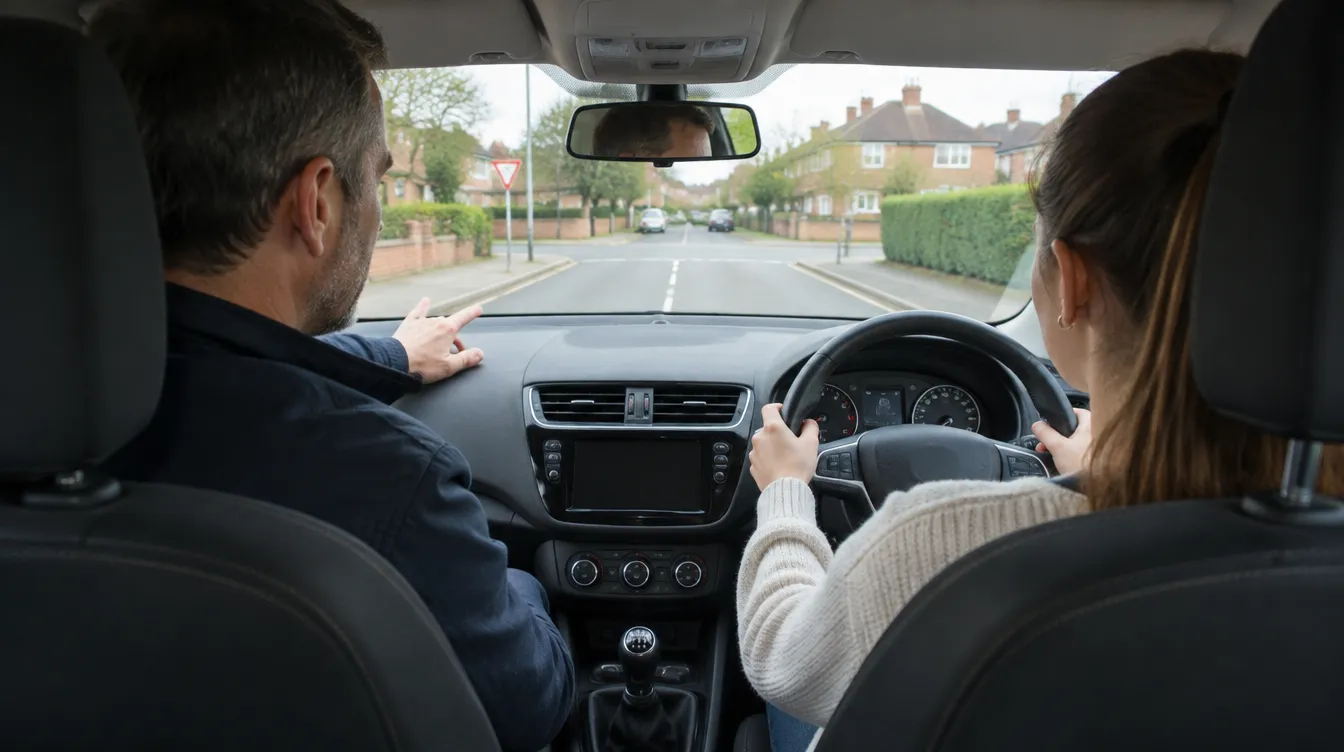
- Coaching questions. The simplest place to start. Sat in the car waiting for your pupil? Ask for four open questions for a discussion about approaching junctions. Don't like them? Ask for ten more, or narrow it down to approach speed or the MSPSL routine.
- Tricky messages. Waiving a late cancellation once but making the policy clear? Ask for three versions: professional, friendly and firmer. Then ask it to soften or tighten the one you like.
- Analogies. When a conversation about planning ahead goes round in circles, ask for a plain-English analogy. One we liked: pushing a trolley round a supermarket. Look at your feet and you bump into people; look down the aisle and you plan your route.
- Personal handouts and homework. After the lesson, tell AI what happened and ask for a reflective sheet or homework built around that pupil's specific problem, such as feeling rushed by cars behind. It can include questions, tasks for next time and a prompt for the pupil to bring one question of their own.
- Different formats. Not every pupil is a reader. Turn that handout into a short audio clip. Or go the other way: run your own voice note through AI to create a written task list, so your pupil doesn't have to listen to five minutes again to find the one thing they needed.
- Mock test debriefs. Record the debrief conversation and ask AI to pull out the positives, the learning points and a list of tasks before test day. Check it, then send it to your pupil.
Always sense-check anything AI creates before it reaches a pupil. It gets things wrong, and your name is on it.
Use It to Spot Patterns You'd Miss
This is where AI really comes into its own. The more information you give it, the better its answers. If you keep reflective logs, screenshot the last dozen for one pupil and ask: are there recurring patterns I'm not seeing? Is there something from ten lessons ago that we never fixed?
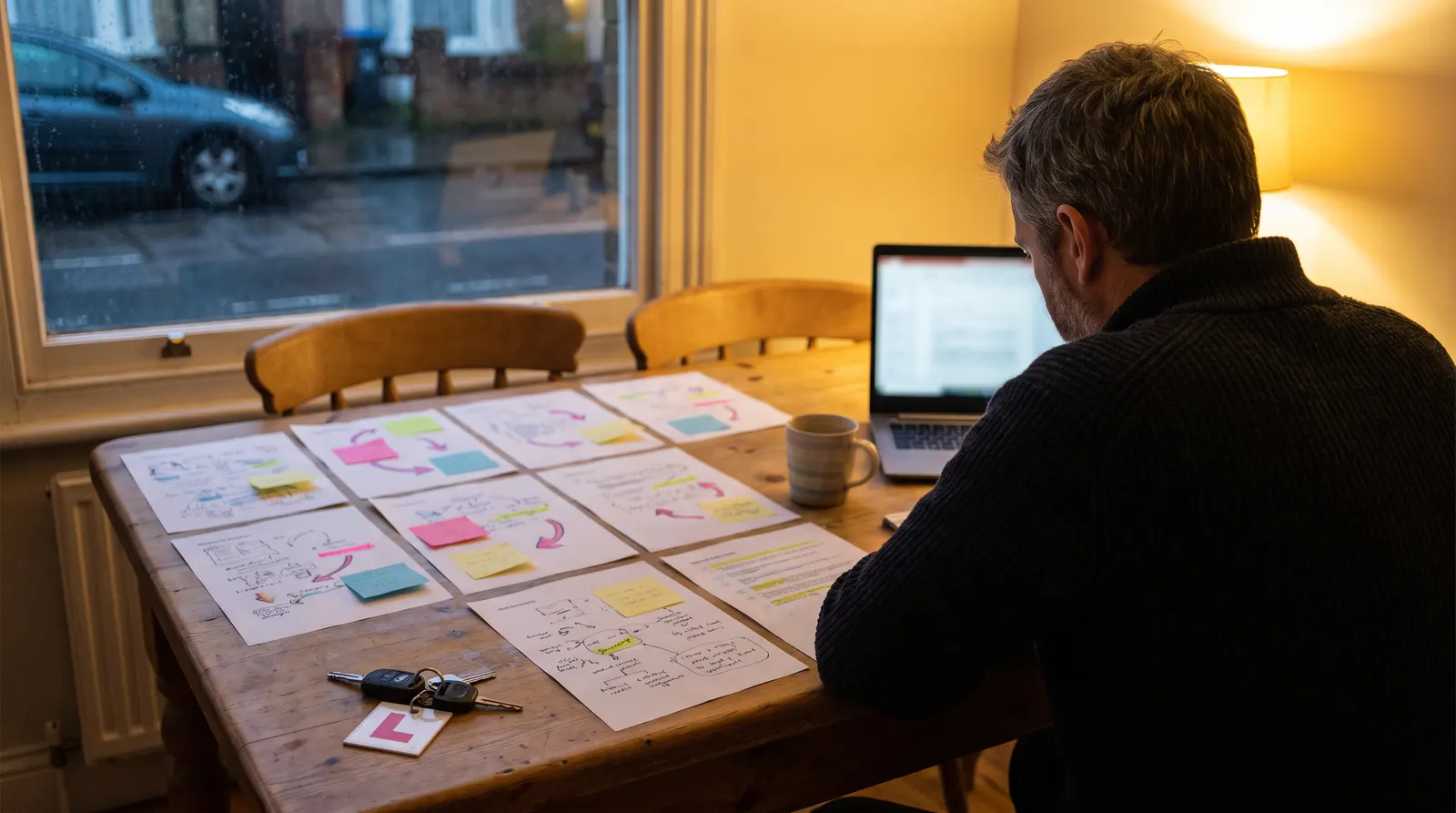
Then zoom out to your whole diary. If lots of your pupils are still struggling with mirrors at 20 hours, that's a useful nudge to ask whether you're drilling mirrors early enough. The same goes for a year's worth of mock tests or the faults your pupils pick up on test. Your trainer only sees snapshots of single lessons; this gives you the bigger picture. It's reflective practice, which sits right at the heart of Part 3 and the Standards Check.
You can even ask AI to coach you rather than solve the problem: "I'm stuck with a pupil. Ask me questions to help me think it through." You come up with the answer, it just helps you see it differently.
Where to Start This Week
If you're new to it, don't try everything at once. Download ChatGPT, Copilot or Claude, and before your next lesson ask it for some open questions on the topic you're covering. That's it. Can't work out a feature? Ask the AI itself.
AI is at its best when you treat it like a capable assistant: give it context, push back, refine, and then add your own expertise on top. Used that way, it saves you time and gives you more ideas than you'd ever come up with on your own.
Want more practical sessions like this one, live with Phil and Diana? Join the Inspire membership and get every Zoom, course and lesson review in one place.